Home / Blog / PDF Tools / The Ultimate Guide to PDF Tools
Table of Contents
- Introduction: The Universal Document Standard
- Consolidation Mastery: Merging and Splitting
- Digital Fort Knox: Protecting and Unlocking Files
- Making the Static Dynamic: OCR and Text Extraction
- Optimization for the Web: Compression Techniques
- Frequently Asked Questions
- Conclusion: Controlling Your Digital Paperwork
Introduction: The Universal Document Standard
The Portable Document Format (PDF) was created with a simple yet ambitious goal: to ensure that any document looks exactly the same on every device, regardless of software or operating system. Since its launch in the early 90s, it has become the standard for everything from digital certificates to legal contracts. However, the very stability that makes PDFs great also makes them difficult to edit or manipulate without specialized software. This guide explores the professional online utilities that give you total control over your PDF workflow, allowing you to merge, secure, and convert documents directly in your browser.
Consolidation Mastery: Merging and Splitting
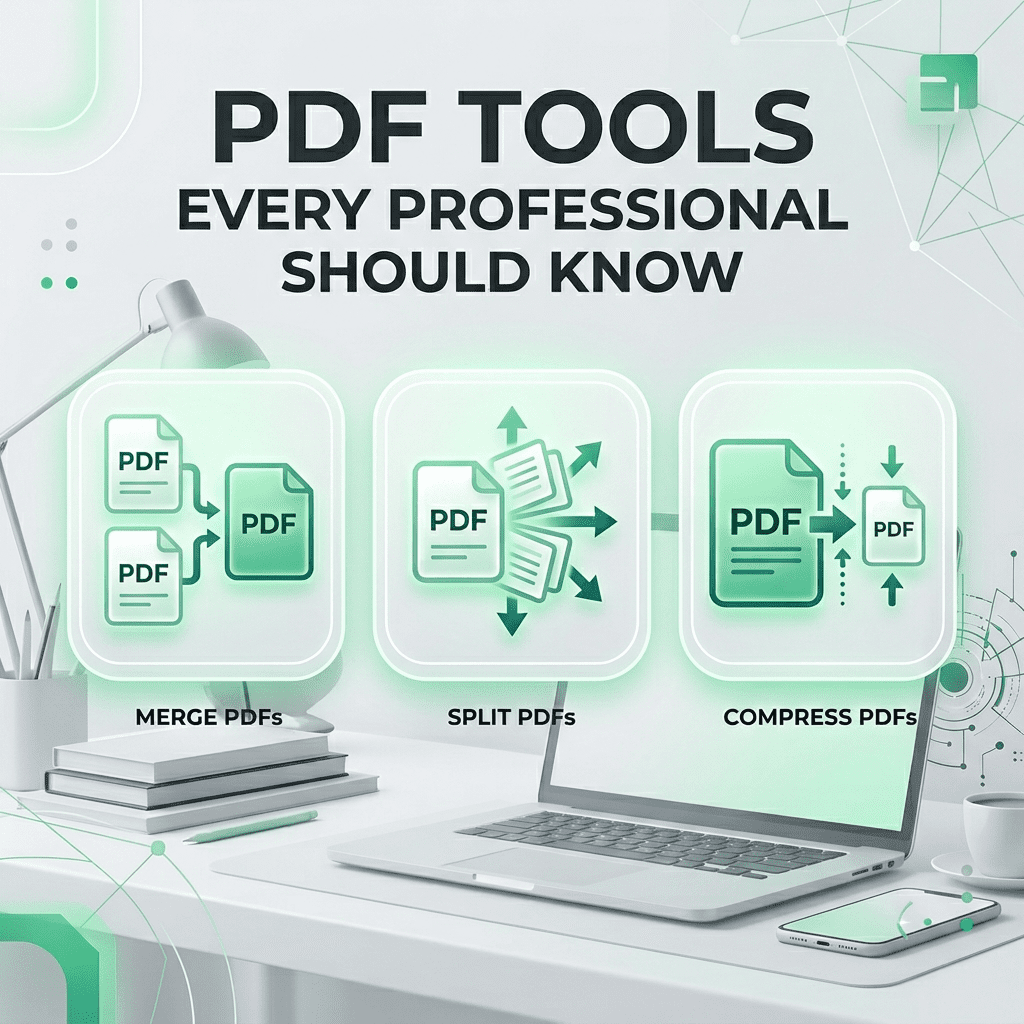
Professional document management often requires reorganizing existing content. Our Merge PDF tool allows you to take separate reports, receipts, or chapters and compile them into a single, cohesive file. Conversely, the Split PDF utility allows you to extract specific pages from a massive document, making it easier to share only what is necessary. These tools are the foundation of efficient administrative work, saving you from the clutter of dozen of fragmented files.
Digital Fort Knox: Protecting and Unlocking Files
In an era of increasing digital security threats, protecting your sensitive information is paramount. We deep-dive into the importance of PDF Encryption. Using our Protect PDF tool, you can add 128-bit or 256-bit AES encryption to your files, ensuring that only authorized individuals with the correct password can view the content. We also cover PDF Password Removal, a vital utility for regaining access to files when owner permissions are overly restrictive for authorized use.
Making the Static Dynamic: OCR and Text Extraction
One of the biggest hurdles with PDFs is their ‘static’ nature—you can’t easily copy text from a scanned document. This is where Optical Character Recognition (OCR) comes in. Our PDF to Word and PDF Text Extractor tools use advanced layout analysis to identify characters and transform them into editable text. This allows you to repurpose content from old documents without having to retype everything from scratch.
Frequently Asked Questions
- Are my PDF uploads private? Yes, we process files in a secure, transient session and delete them immediately after.
- Can I convert a scanned PDF to Word? Yes, our PDF to Word tool uses OCR technology to recognize and extract text.
- How much can I compress a PDF? Typically between 40% and 80%, depending on image content.
- Does rotating a PDF lower quality? No, it is a metadata change that doesn’t re-encode the content.
- Can I add watermarks to a PDF? Yes, our PDF Watermark tool allows for text and logo overlays.
Related Tools
Meta Title: The Ultimate Guide to PDF Tools | SmartToolCentral
Meta Description: Master your document workflow with our definitive pillar guide to PDF management. Learn to merge, split, secure, and convert PDFs like a pro.
Author: Victor Binyi Tumenta | UtilityForge
Last Updated: June 24, 2026