Home / Blog / PDF Tools / PDF Tools Every Professional Should Know
The PDF (Portable Document Format) is the universal standard for sharing professional documents. However, working with PDFs can often be restrictive if you don’t have the right tools. From merging multiple reports to extracting specific pages for a presentation, having a reliable PDF utility kit is crucial for modern administrative and creative work. SmartToolCentral provides a suite of high-performance PDF tools that work directly in your browser, saving you the cost of expensive software subscriptions.
Mastering the PDF Workflow
Handling documents efficiently means being able to modify them on the fly. Whether you need to reduce a file’s size for an email attachment or secure a sensitive contract with a password, our tools are built for speed and security. Since all processing happens in a secure environment, you can trust that your sensitive data remains private.
Essential PDF Utilities for Success
1. Consolidation and Organization
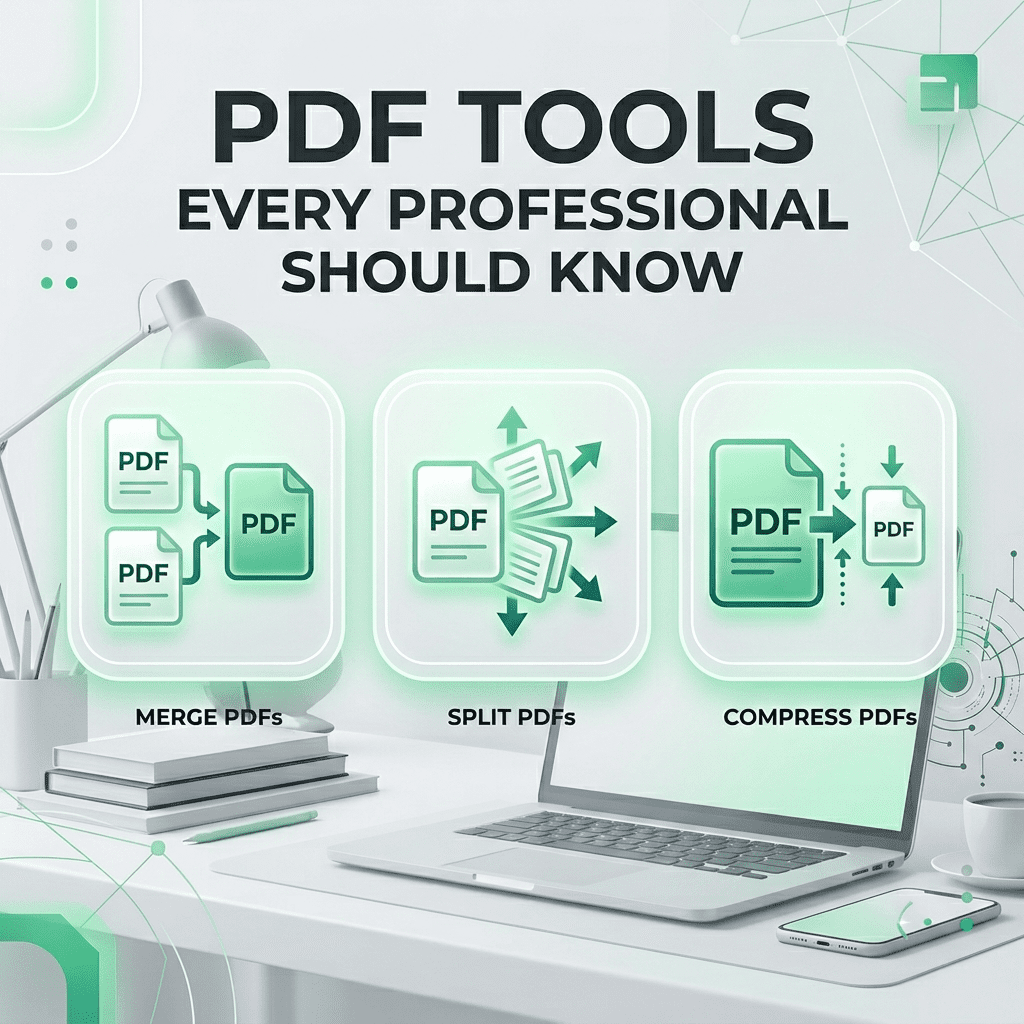
Our Merge PDF and Split PDF tools allow you to reorganize your documents exactly how you need them. Combine various files into a single portfolio or extract only the essential pages from a massive report in seconds.
2. Optimization and Security
Stop worrying about file limits with our Compress PDF tool. For sensitive information, use our Protect PDF utility to add a secure layer of encryption, ensuring only authorized individuals can access your content.
3. Versatile Conversions
Need to edit a PDF? Use PDF to Word. Want to extract an image? Use PDF to JPG. We provide two-way conversion for the most common professional formats, making your documents more flexible than ever.
FAQ
- Are my documents safe? Yes, files are processed securely and deleted automatically after your session.
- Can I merge many files? Yes, our tool supports merging multiple PDFs into one cohesive document.
- Will compression lower text quality? No, our algorithms focus on optimizing images and metadata while keeping text crisp.
- Do I need to install anything? No, all tools work entirely within your web browser.
- Can I unlock a protected PDF? Yes, using our PDF Password Remover, provided you have the opening credentials.
Related Tools
Meta Title: PDF Tools Every Professional Should Know | SmartToolCentral
Meta Description: Master your documents with the best free online PDF tools. Learn how to merge, split, compress, and secure your files with SmartToolCentral.
Author: Victor Binyi Tumenta | UtilityForge
Leave a Reply