SmartToolCentral

Blog

  • AI Tools for Productivity and Content Creation

    AI Tools for Productivity and Content Creation

    Home / Blog / AI / AI Tools for Productivity and Content Creation

    Artificial Intelligence has transformed from a futuristic concept into a daily productivity partner. For content creators, marketers, and business owners, AI tools offer a way to automate the repetitive aspects of content strategy, allowing for more time to be spent on high-level creative direction. SmartToolCentral provides a suite of AI-powered assistants designed to refine your writing, generate fresh ideas, and optimize your presence across various digital platforms.

    The AI-Enhanced Creative Workflow

    Integrating AI into your workflow doesn’t mean replacing human creativity; it means augmenting it. Whether you need to overcome writer’s block with a list of new topics or refine a robotic draft into something more natural, our assistants provide the structural support needed to produce high-quality work at scale. These tools serve as your personal editorial team, available 24/7 in your browser.

    Essential AI Assistants for Creators

    1. Content Refinement and Humanization

    Bridge the gap between machine output and human resonance with our AI Humanizer and AI Rewriter tools. These assistants help you adjust tone, vary sentence rhythm, and ensure your message connects with real people rather than just algorithms.

    2. Content Generation and Strategy

    Never run out of inspiration with the AI Content Idea Generator and AI Prompt Generator. For specific platforms, our AI Blog Title, YouTube Title, and Hashtag generators provide SEO-optimized hooks that drive real engagement and views.

    3. Branding and Professionalism

    Launching a new project? Use our AI Business Name Generator for catchy branding ideas. For SEO mastery, our AI Meta Description Generator creates perfectly-sized snippets to boost your click-through rates in search engine results.

    FAQ

    • Are these real AI models? Our tools are prompt-based templates designed to provide engineered inputs for modern LLMs like ChatGPT and Claude.
    • Will AI content rank on Google? Yes, Google prioritizes helpful, human-centric content regardless of how it was produced.
    • Can I bypass AI detectors? Our Humanizer aims to improve flow and tone, which often results in more natural patterns.
    • Is my data used for training? No, we respect your privacy; your inputs are not used to train external models.
    • Is it free? Yes, every tool in our AI suite is 100% free to use.

    Related Tools

    Meta Title: AI Tools for Productivity and Content Creation | SmartToolCentral

    Meta Description: Boost your content strategy with free online AI tools. Learn how to humanize AI text, generate blog titles, and find content ideas with SmartToolCentral.

    Author: Victor Binyi Tumenta | UtilityForge

  • File Utilities for Better Digital Organization

    File Utilities for Better Digital Organization

    Home / Blog / File Utilities / File Utilities for Better Digital Organization

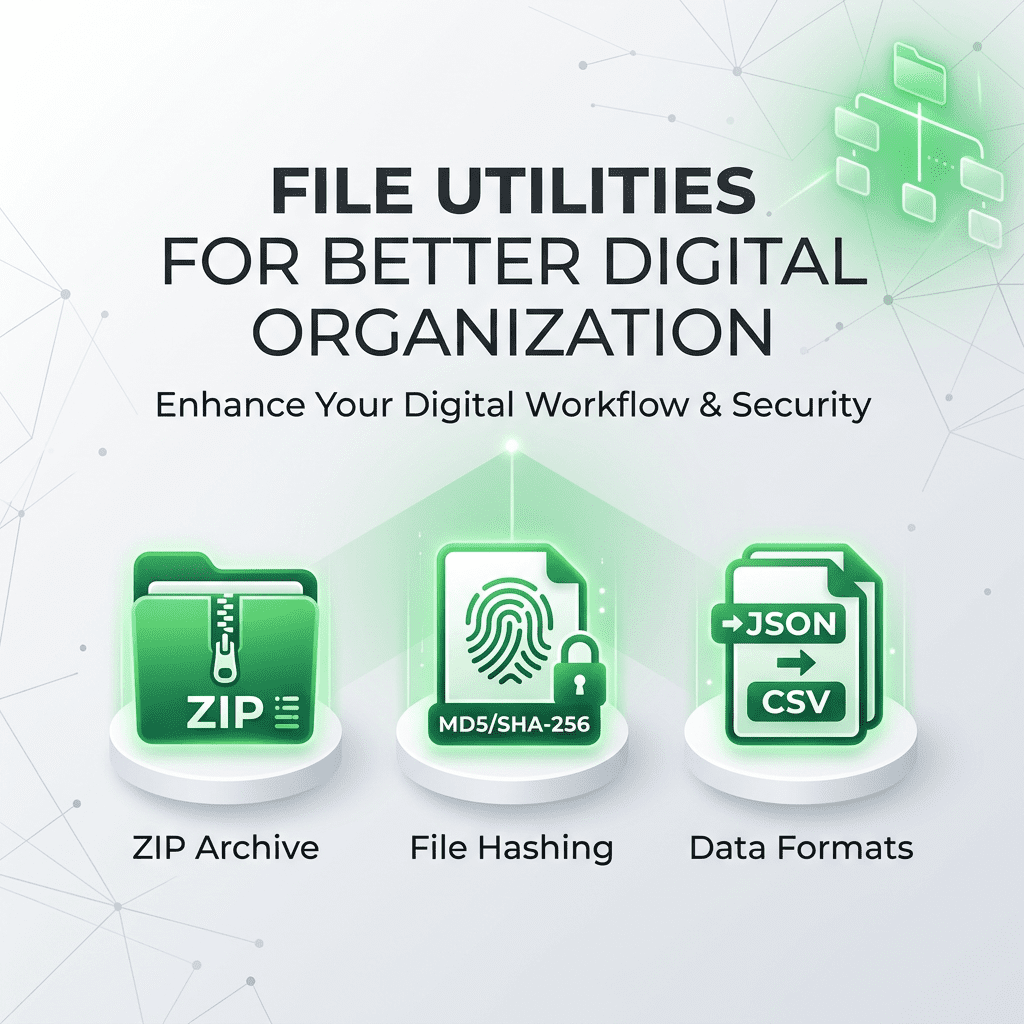
    Digital clutter is a major obstacle to productivity. Managing varied file formats, verifying download integrity, and handling large archives can be time-consuming without the right infrastructure. Professional digital organization requires tools that allow you to manipulate files quickly and securely. SmartToolCentral provides a suite of file utilities that bridge the gap between different technical environments, ensuring your data is always organized and accessible.

    Streamlining Your Digital Life

    Whether you’re a data analyst moving records between systems or a casual user trying to open a compressed archive, having browser-based tools means you can stay organized without installing heavy software. Our file utilities focus on the ‘hidden’ tasks that power efficient workflows—from file hashing to data format conversion.

    Our suite of tools is designed to provide 100% privacy by processing all files locally on your device.

    Top File Utilities for Professionals

    1. Archive and Data Management

    Open archives on the go with our ZIP Extractor or manage data transfers with our CSV To JSON and JSON To CSV converters. For structured data, our XML Formatter and XML Validator ensure your code is clean and technically accurate.

    2. Security and Verification

    Ensure your downloads are safe with the File Hash Checker, allowing you to generate MD5 or SHA-256 checksums instantly. Our Base64 File Encoder and Decoder allow you to embed assets directly in code or extract hidden binary data from text-based sources.

    3. Precision Conversion

    Never guess a file limit again with our File Size Converter, providing instant translations between Bytes, MB, and GB using the technical binary standard (1024).

    FAQ

    • Are my files uploaded to your server? No, all file processing happens locally in your browser using modern web APIs.
    • Can the ZIP extractor handle passwords? Yes, you will be prompted for a password if the archive is encrypted.
    • Is the file hash checker accurate? Yes, we use standard cryptographic algorithms to ensure a perfect digital fingerprint.
    • Does the CSV converter handle large files? It is optimized for high-speed processing of datasets with thousands of rows.
    • Is it free to use? Yes, every tool in our File Utilities suite is 100% free.

    Related Tools

    Meta Title: File Utilities for Better Digital Organization | SmartToolCentral

    Meta Description: Stay organized with professional online file utilities. Extract ZIPs, convert CSV/JSON, and verify file hashes with SmartToolCentral.

    Author: Victor Binyi Tumenta | UtilityForge

  • Text Tools for Writers, Students and Professionals

    Text Tools for Writers, Students and Professionals

    Home / Blog / Text Tools / Text Tools for Writers, Students and Professionals

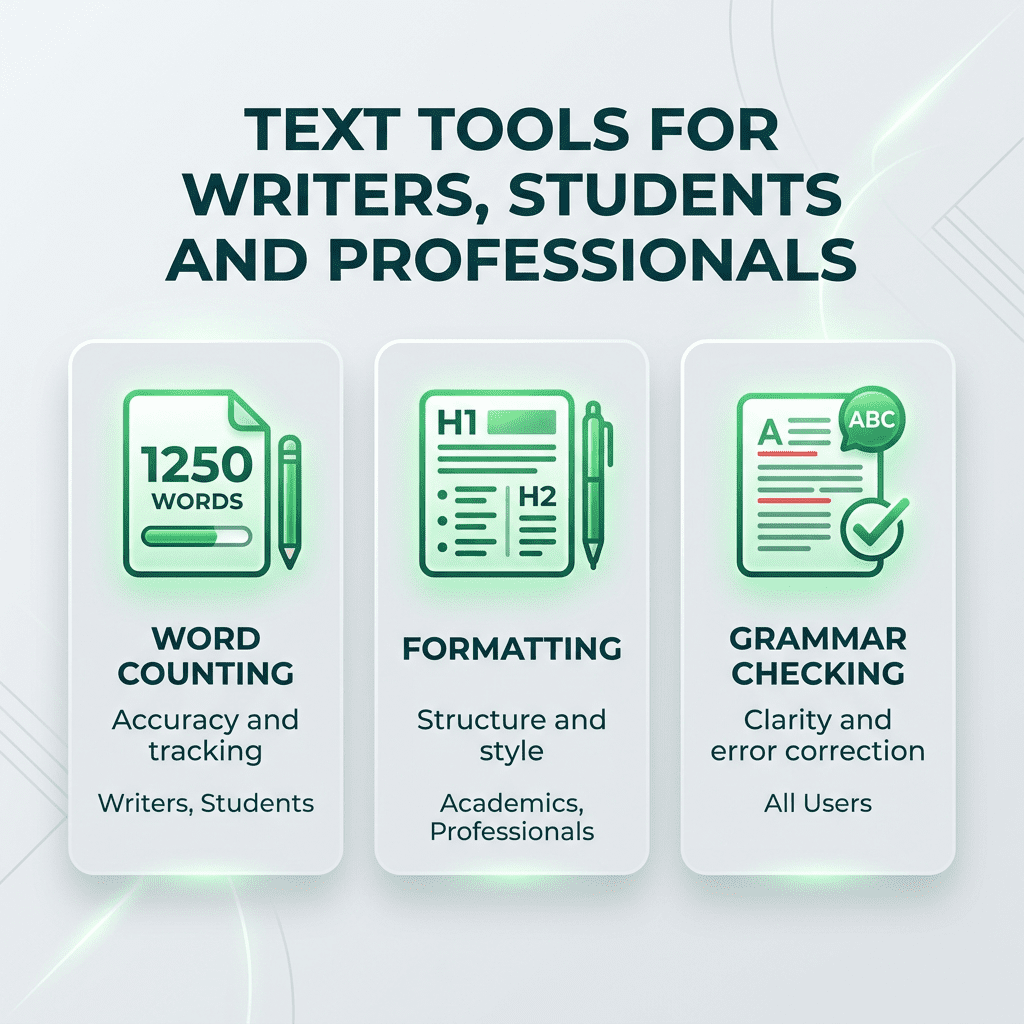
    In almost every professional and academic field, text is the primary medium of exchange. However, messy formatting, redundant lists, and strict character limits can slow down even the most efficient writers. Having a dedicated set of text utilities can transform hours of manual editing into minutes of automated work. SmartToolCentral offers a comprehensive range of text tools designed to help you clean, analyze, and optimize your written content.

    Mastering Your Content Flow

    Effective writing isn’t just about the words—it’s about the structure and presentation. Whether you’re a student preparing a thesis or a digital marketer crafting the perfect meta tag, our tools provide the technical support you need to ensure your text is accurate, well-formatted, and compliant with specific guidelines.

    Top Text Utilities for Success

    1. Organization and Cleanup

    Lists are a nightmare to manage manually. Our Remove Duplicates, Sort Lines, and Remove Line Breaks tools allow you to reorganize messy data in an instant. For social media managers, our Remove Extra Spaces and Remove Punctuation utilities ensure your copy is clean and professional.

    2. Analysis and Optimization

    Hit your targets every time with our Word Counter and Character Counter. For deeper insights, use our Text Analyzer and Word Frequency Counter to identify overused words and optimize your keyword density for SEO.

    3. Specialized Formatting

    Accidentally left Caps Lock on? Use our Case Converter to swap between UPPERCASE, lowercase, and Title Case with one click. We also offer advanced tools like the Markdown Previewer and Lorem Ipsum Generator for developers and designers.

    FAQ

    • Does the word counter update in real-time? Yes, the totals update instantly as you type or paste your text.
    • Can I remove punctuation from a specific list? Yes, our tool strips standard punctuation, leaving only raw letters and numbers.
    • Is there a limit on text length? Our tools are optimized for everything from short tweets to long-form articles.
    • Does the Case Converter fix sentence structure? Our ‘Sentence case’ option automatically capitalizes the first letter of every sentence.
    • Is my text safe? Yes, all processing is performed locally in your browser session.

    Related Tools

    Meta Title: Text Tools for Writers, Students and Professionals | SmartToolCentral

    Meta Description: Streamline your writing workflow with professional online text tools. Clean, analyze, and format your content instantly with SmartToolCentral.

    Author: Victor Binyi Tumenta | UtilityForge

  • Digital Productivity Guide for Remote Workers

    Digital Productivity Guide for Remote Workers

    Home / Blog / Productivity / Digital Productivity Guide for Remote Workers

    Remote work offers unprecedented freedom, but it also demands a higher level of personal organizational discipline. Without a central office infrastructure, remote professionals must build their own digital ‘headquarters’—a suite of tools and habits that maintain efficiency across different time zones and technical environments. This guide explores the essential utilities that empower remote workers to stay productive, secure, and professional from anywhere in the world.

    Building Your Remote Infrastructure

    Productivity in a remote setting is built on three pillars: Communication, Technical Agility, and Security. Having browser-based tools that handle everything from file conversion to time zone management means you can remain effective regardless of the computer or network you are using.

    Essential Toolkits for Global Work

    1. Time and Communication Utilities

    Coordinating meetings is the hardest part of remote work. Our Time Zone Converter and World Time Calculator ensure you respect local hours and never miss a deadline. For concise messaging, our Word Counter and Case Converter help you polish your emails and reports before they hit the ‘send’ button.

    2. Secure Document Management

    Sharing sensitive data across residential networks requires caution. Use our PDF Tools suite to merge reports, compress attachments, and add passwords to sensitive files with our Protect PDF utility, ensuring your professional documents remain secure.

    3. Creative and Technical Support

    Whether you need to resize a product image for a presentation using our Image Tools or debug a piece of code with our Developer Utilities, having these functions available in your browser eliminates the need for expensive software licenses on your personal machine.

    FAQ

    • How do online tools help with remote work? They provide a standard infrastructure that is accessible from any location without installation.
    • Can I use these tools on public Wi-Fi? Yes, since our tools use client-side processing, your data is not transmitted over the network for calculation.
    • Are these tools compatible with all browsers? Yes, we support all modern browsers including Chrome, Safari, Firefox, and Edge.
    • Why is time zone management so critical? It prevents scheduling errors and ensures team synchronization in global organizations.
    • Is it free for commercial use? Yes, all tools on SmartToolCentral are free for both personal and professional use.

    Related Tools

    Meta Title: Digital Productivity Guide for Remote Workers | SmartToolCentral

    Meta Description: Master the remote work landscape with essential digital utilities. Learn how to stay secure, professional, and productive with SmartToolCentral’s guide.

    Author: Victor Binyi Tumenta | UtilityForge

  • How Online Converters Save Time in Daily Work

    How Online Converters Save Time in Daily Work

    Home / Blog / Converters / How Online Converters Save Time in Daily Work

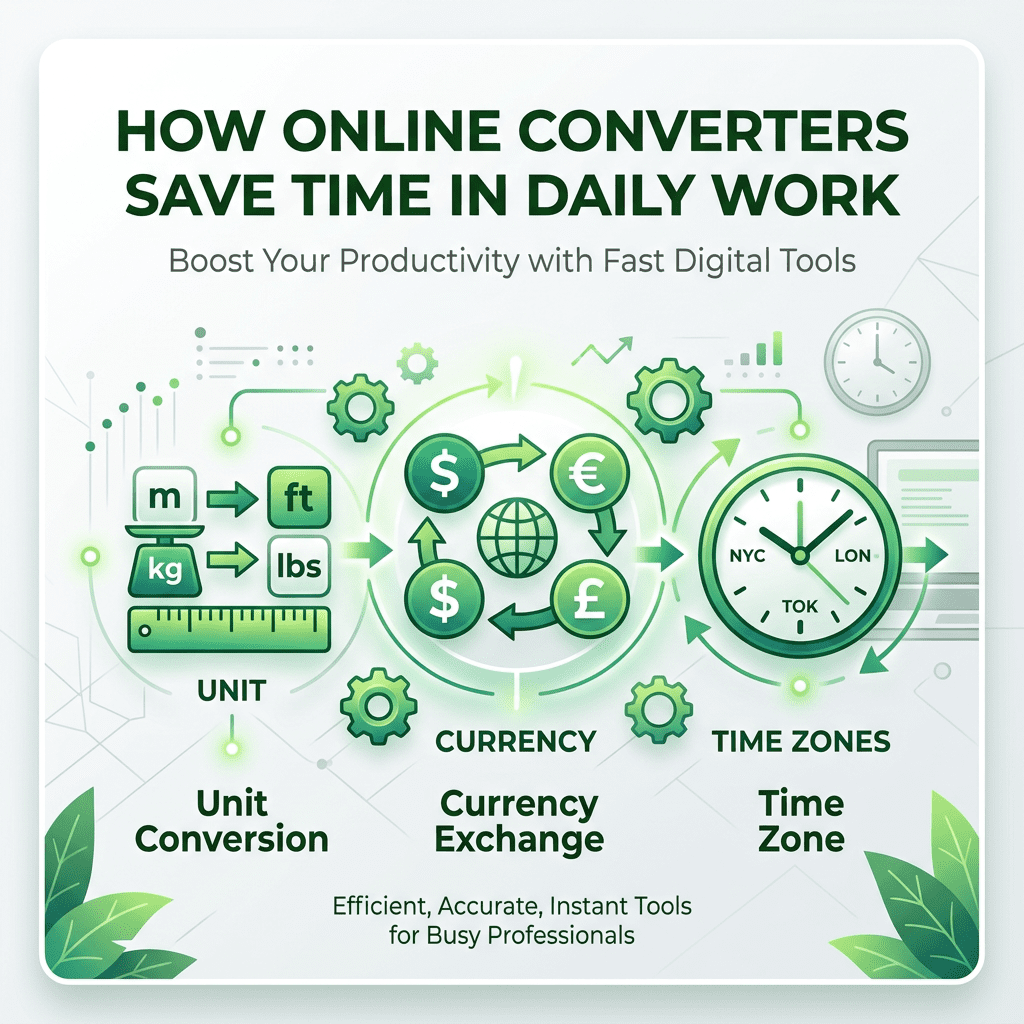
    In a globalized world, we are constantly encountering different units of measurement, varying time zones, and multiple currencies. Manually converting these values using mental math or looking up conversion tables is not only slow but also increases the risk of error. Online converters have become essential productivity boosters for professionals across all industries. At SmartToolCentral, our goal is to provide a seamless conversion experience that fits perfectly into your workflow.

    The Efficiency of Instant Conversion

    Whether you’re an engineer working with international blueprints, a traveler budgeting in a foreign currency, or a remote worker coordinating across time zones, speed is everything. Our conversion tools are designed to provide instant results, allowing you to focus on your primary task rather than the math behind it.

    Essential Converters for Your Desktop

    1. Universal Unit Converters

    Switching between metric and imperial systems is a daily necessity for many. Our Length Converter, Weight Converter, and Area Converter ensure that your measurements are consistent and accurate, regardless of the source material’s standard.

    2. Global Financial & Time Tools

    Stay ahead of the curve with our Currency Converter, providing real-time exchange rates for budgeting and international business. Additionally, our Time Zone Converter ensures you never miss a global meeting or call by providing the exact local time for any region.

    FAQ

    • How accurate are unit conversions? We use standard mathematical constants to provide technically perfect unit translations.
    • Where does currency data come from? Our rates are refreshed daily from reliable financial data providers.
    • Does the time zone tool handle DST? Yes, it automatically accounts for Daylight Saving Time changes globally.
    • Can I convert volume for cooking? Yes, our Volume Converter handles common kitchen and commercial units.
    • Is there a limit on uses? No, you can use our converters as many times as you need for free.

    Related Tools

    Meta Title: How Online Converters Save Time in Daily Work | SmartToolCentral

    Meta Description: Streamline your workflow with professional online converters. Learn how unit, currency, and time zone tools can boost your productivity today.

    Author: Victor Binyi Tumenta | UtilityForge

  • PDF Tools Every Professional Should Know

    PDF Tools Every Professional Should Know

    Home / Blog / PDF Tools / PDF Tools Every Professional Should Know

    The PDF (Portable Document Format) is the universal standard for sharing professional documents. However, working with PDFs can often be restrictive if you don’t have the right tools. From merging multiple reports to extracting specific pages for a presentation, having a reliable PDF utility kit is crucial for modern administrative and creative work. SmartToolCentral provides a suite of high-performance PDF tools that work directly in your browser, saving you the cost of expensive software subscriptions.

    Mastering the PDF Workflow

    Handling documents efficiently means being able to modify them on the fly. Whether you need to reduce a file’s size for an email attachment or secure a sensitive contract with a password, our tools are built for speed and security. Since all processing happens in a secure environment, you can trust that your sensitive data remains private.

    Essential PDF Utilities for Success

    1. Consolidation and Organization

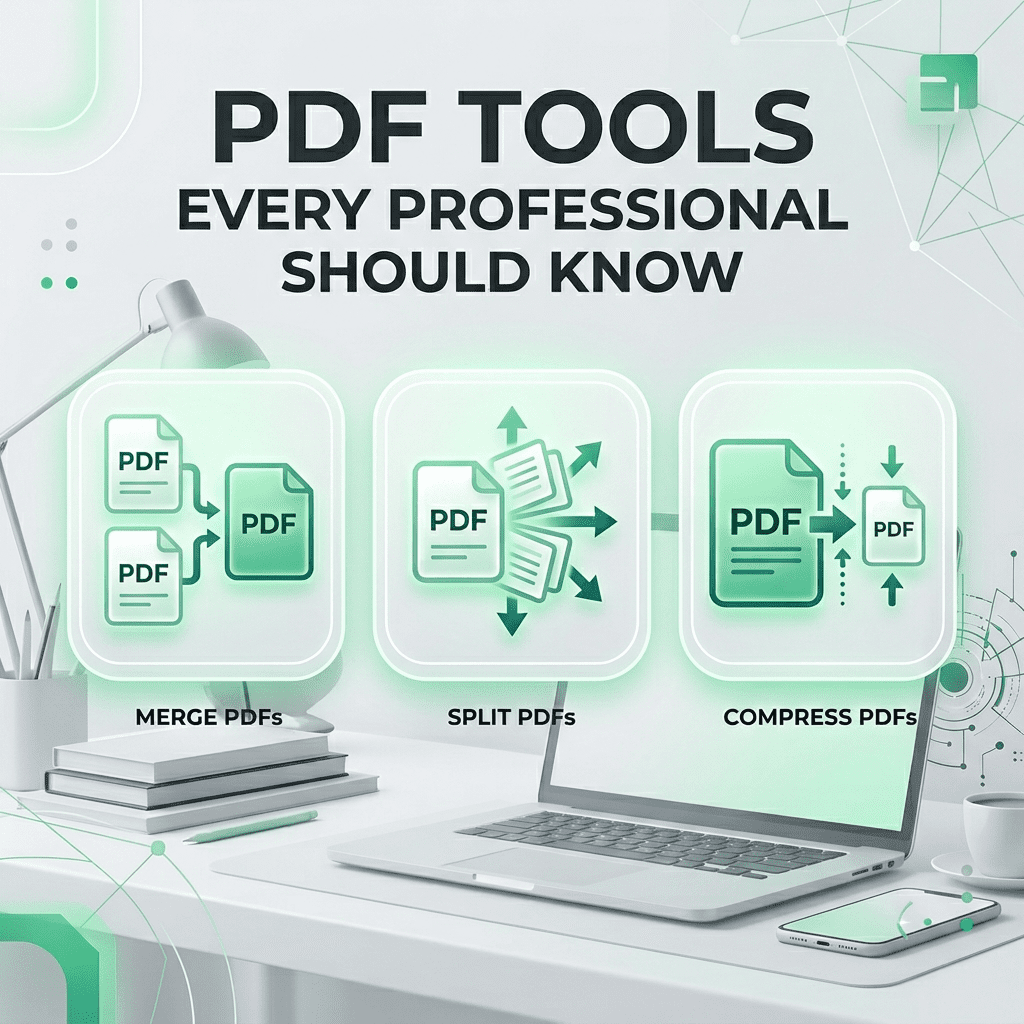
    Our Merge PDF and Split PDF tools allow you to reorganize your documents exactly how you need them. Combine various files into a single portfolio or extract only the essential pages from a massive report in seconds.

    2. Optimization and Security

    Stop worrying about file limits with our Compress PDF tool. For sensitive information, use our Protect PDF utility to add a secure layer of encryption, ensuring only authorized individuals can access your content.

    3. Versatile Conversions

    Need to edit a PDF? Use PDF to Word. Want to extract an image? Use PDF to JPG. We provide two-way conversion for the most common professional formats, making your documents more flexible than ever.

    FAQ

    • Are my documents safe? Yes, files are processed securely and deleted automatically after your session.
    • Can I merge many files? Yes, our tool supports merging multiple PDFs into one cohesive document.
    • Will compression lower text quality? No, our algorithms focus on optimizing images and metadata while keeping text crisp.
    • Do I need to install anything? No, all tools work entirely within your web browser.
    • Can I unlock a protected PDF? Yes, using our PDF Password Remover, provided you have the opening credentials.

    Related Tools

    Meta Title: PDF Tools Every Professional Should Know | SmartToolCentral

    Meta Description: Master your documents with the best free online PDF tools. Learn how to merge, split, compress, and secure your files with SmartToolCentral.

    Author: Victor Binyi Tumenta | UtilityForge

  • Best Image Tools for Content Creators

    Best Image Tools for Content Creators

    Home / Blog / Image Tools / Best Image Tools for Content Creators

    Visual content is the cornerstone of modern communication. For social media managers, bloggers, and small business owners, high-quality images can make or break an engagement strategy. However, professional editing software is often expensive and has a steep learning curve. SmartToolCentral provides a suite of easy-to-use, browser-based image tools that empower content creators to polish their visuals in seconds without any design experience.

    Elevating Your Visual Content

    Creating compelling visuals means getting the small details right. Whether you need to fit a photo into a specific social media frame or remove a distracting background, our tools provide the precision and speed needed for a fast-paced creative workflow. Since all processing happens in your browser, you can refine your images on the go from any device.

    Essential Image Tools for Every Creator

    1. Resizing and Compression

    Slow-loading websites lose visitors. Our Image Resizer and Image Compressor tools ensure your photos are perfectly sized for the web, reducing file size while maintaining stunning visual quality. This is vital for maintaining SEO performance and a smooth user experience.

    2. Precision Editing and Modification

    Focus on your subject with our Image Cropper or use our AI-powered Background Remover to isolate products and people instantly. For social media professionals, our Image Splitter is the perfect way to create seamless 3×3 grids for Instagram profiles.

    3. Branding and Metadata

    Protect your creative work with our Watermark Creator, adding logos or text to your images effortlessly. Additionally, our Metadata Editor allows you to strip sensitive EXIF data or add descriptive tags to boost your image SEO rankings.

    FAQ

    • Will my images lose quality during compression? We use advanced algorithms to strip unnecessary data, keeping your visuals clear and professional.
    • Does the background remover work on complex hair? Our AI is optimized to handle fine details, providing a clean transparent PNG.
    • Can I resize images for Instagram? Yes, we provide common aspect ratio presets for all major social platforms.
    • Is my privacy protected? Yes, all editing happens locally in your browser session; we do not store your photos.
    • Is it free? Yes, every tool in our Image suite is 100% free.

    Related Tools

    Meta Title: Best Image Tools for Content Creators | SmartToolCentral

    Meta Description: Polish your visuals with professional online image tools. Learn how to resize, compress, and edit photos for social media with SmartToolCentral.

    Author: Victor Binyi Tumenta | UtilityForge

  • Developer Tools That Improve Coding Productivity

    Developer Tools That Improve Coding Productivity

    Home / Blog / Developer Tools / Developer Tools That Improve Coding Productivity

    For modern developers, time is the most valuable resource. Writing code is only half the battle; the rest of the day is often spent debugging, formatting data, and managing security credentials. Having a reliable set of micro-utilities in your browser can save you from constantly switching between IDEs or searching through complex documentation. SmartToolCentral provides a suite of developer-focused tools designed for speed, security, and technical precision.

    Building a Faster Development Workflow

    Productivity in engineering often comes from automating the repetitive ‘small’ tasks. Whether you need to generate a unique identifier for a database record or debug a messy JSON response from an API, our tools are built to handle the technical heavy lifting with zero friction. Since everything runs client-side, your sensitive code and keys remain private to you.

    Essential Tools for Modern Engineers

    1. Security and Identity Utilities

    Generate high-entropy identifiers with our UUID Generator or create unhackable credentials using the Password Generator. For auditing, our Password Strength Checker and Hash Generator (MD5, SHA-256) are essential for maintaining modern security standards.

    2. Data Debugging and Formatting

    Stop wrestling with messy logs. Use our Code Beautifier to prettify JSON, HTML, and CSS instantly. For web integration, our JWT Decoder, Timestamp Converter, and Regex Tester allow you to verify and test logic without writing boilerplate code.

    3. Visual and Integration Tools

    Bridge the gap between design and code with our Color Picker and Color Converter. When you need to connect physical and digital touchpoints, our QR Code Generator and Scanner provide high-resolution results in seconds.

    FAQ

    • Are my keys and tokens safe? Yes, all decoding and generation happens locally in your browser; we never see your data.
    • What UUID version is generated? We create standard Version 4 (random) UUIDs following RFC 4122.
    • Does the Code Beautifier support JSON? Yes, it is optimized for JSON, HTML, CSS, and JavaScript.
    • Can I test complex Regex patterns? Yes, our tester provides real-time highlighting and capture group results.
    • Is the Hash Generator accurate? We use industry-standard cryptographic libraries for all hashing functions.

    Related Tools

    Meta Title: Developer Tools That Improve Coding Productivity | SmartToolCentral

    Meta Description: Speed up your engineering workflow with professional online developer tools. Prettify code, decode JWTs, and generate UUIDs with SmartToolCentral.

    Author: Victor Binyi Tumenta | UtilityForge

  • Best Free Online Calculators for Everyday Use

    Best Free Online Calculators for Everyday Use

    Home / Blog / Calculators / Best Free Online Calculators for Everyday Use

    In our modern, data-driven world, the ability to perform quick and accurate calculations is essential for everything from personal budgeting to health management. While most devices come with a basic calculator app, they often lack the specialized functions needed for complex tasks like mortgage planning or body fat estimation. This is where SmartToolCentral steps in, providing a comprehensive suite of free online calculators designed for speed, accuracy, and accessibility.

    Why Use Online Calculators?

    Online calculators offer several advantages over traditional physical or desktop applications. They are always accessible from any device with an internet connection, require no installation, and are often updated with the latest formulas and data. Whether you are at your desk or on the go, having a dedicated calculator for your specific need can save you time and prevent costly mathematical errors.

    Top Calculators for Your Daily Routine

    1. Financial Planning Tools

    Managing money effectively requires understanding the long-term impact of your decisions. Our Mortgage Calculator and Loan Calculator allow you to visualize monthly payments and total interest, while the Compound Interest Calculator demonstrates the power of long-term savings. For business owners, the VAT Calculator and Margin Calculator are indispensable for accurate pricing and accounting.

    2. Health and Fitness Metrics

    Tracking your physical health is easier when you have the right data. Use our BMI Calculator to check your weight category, the Calorie Calculator to determine your daily energy needs, and the Body Fat Calculator to monitor your body composition progress over time.

    3. General Purpose Utilities

    From the Percentage Calculator for shopping discounts to the Age Calculator for official forms, our general tools handle the small tasks that pop up throughout the day. We also offer a Scientific Calculator for students and professionals dealing with advanced mathematics.

    FAQ

    • Are these calculators free? Yes, every tool on SmartToolCentral is 100% free to use.
    • How accurate are the results? We use industry-standard formulas to ensure the highest level of mathematical precision.
    • Do I need to sign up? No, all our tools are available without registration.
    • Can I use them on my phone? Absolutely, our site is fully optimized for mobile devices.
    • Is my data stored? No, all calculations are processed in your browser and are not saved on our servers.

    Related Tools

    Meta Title: Best Free Online Calculators for Everyday Use | SmartToolCentral

    Meta Description: Discover the top free online calculators for finance, health, and general use. Save time and ensure accuracy with SmartToolCentral’s professional utility suite.

    Author: Victor Binyi Tumenta | UtilityForge