Blog

  • Best Image Tools for Content Creators

    Best Image Tools for Content Creators

    Home / Blog / Image Tools / Best Image Tools for Content Creators

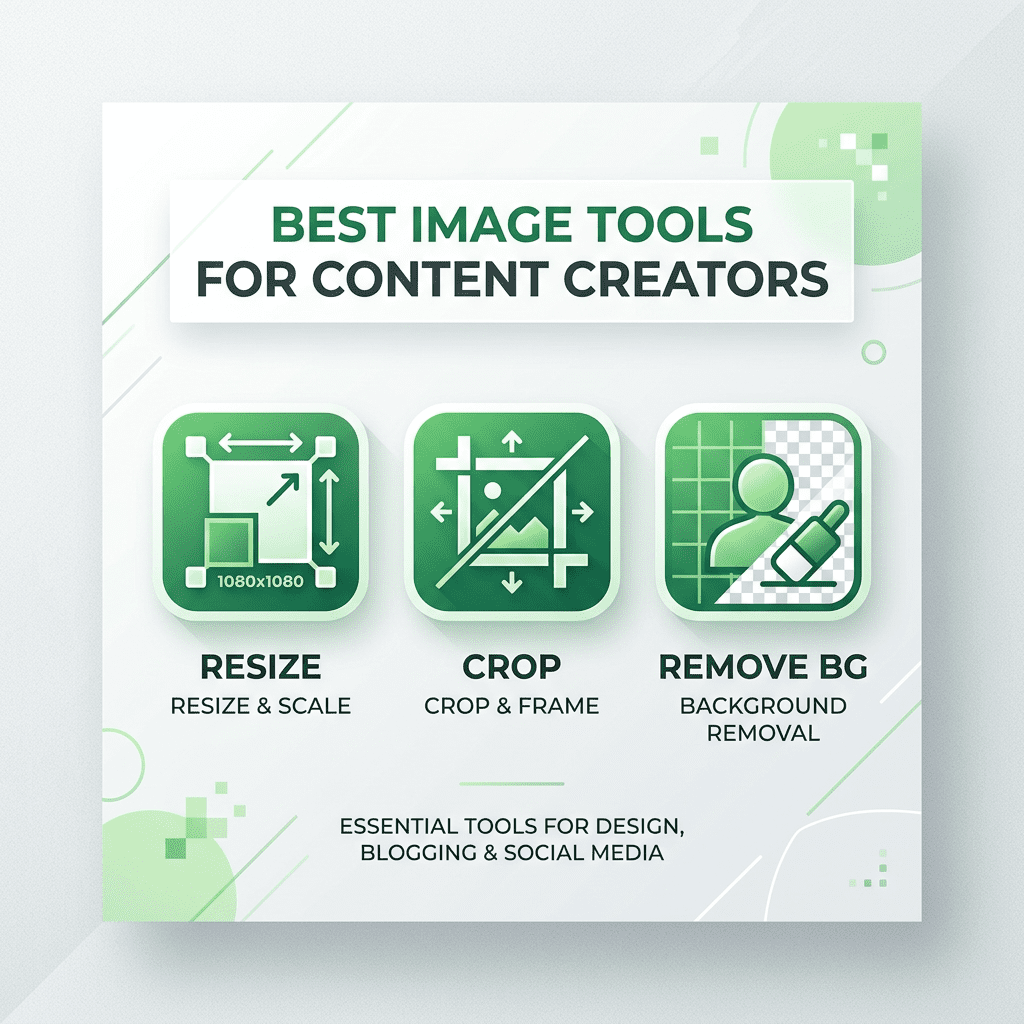
    Visual content is the cornerstone of modern communication. For social media managers, bloggers, and small business owners, high-quality images can make or break an engagement strategy. However, professional editing software is often expensive and has a steep learning curve. SmartToolCentral provides a suite of easy-to-use, browser-based image tools that empower content creators to polish their visuals in seconds without any design experience.

    Elevating Your Visual Content

    Creating compelling visuals means getting the small details right. Whether you need to fit a photo into a specific social media frame or remove a distracting background, our tools provide the precision and speed needed for a fast-paced creative workflow. Since all processing happens in your browser, you can refine your images on the go from any device.

    Essential Image Tools for Every Creator

    1. Resizing and Compression

    Slow-loading websites lose visitors. Our Image Resizer and Image Compressor tools ensure your photos are perfectly sized for the web, reducing file size while maintaining stunning visual quality. This is vital for maintaining SEO performance and a smooth user experience.

    2. Precision Editing and Modification

    Focus on your subject with our Image Cropper or use our AI-powered Background Remover to isolate products and people instantly. For social media professionals, our Image Splitter is the perfect way to create seamless 3×3 grids for Instagram profiles.

    3. Branding and Metadata

    Protect your creative work with our Watermark Creator, adding logos or text to your images effortlessly. Additionally, our Metadata Editor allows you to strip sensitive EXIF data or add descriptive tags to boost your image SEO rankings.

    FAQ

    • Will my images lose quality during compression? We use advanced algorithms to strip unnecessary data, keeping your visuals clear and professional.
    • Does the background remover work on complex hair? Our AI is optimized to handle fine details, providing a clean transparent PNG.
    • Can I resize images for Instagram? Yes, we provide common aspect ratio presets for all major social platforms.
    • Is my privacy protected? Yes, all editing happens locally in your browser session; we do not store your photos.
    • Is it free? Yes, every tool in our Image suite is 100% free.

    Related Tools

    Meta Title: Best Image Tools for Content Creators | SmartToolCentral

    Meta Description: Polish your visuals with professional online image tools. Learn how to resize, compress, and edit photos for social media with SmartToolCentral.

    Author: Victor Binyi Tumenta | UtilityForge
  • Developer Tools That Improve Coding Productivity

    Developer Tools That Improve Coding Productivity

    Home / Blog / Developer Tools / Developer Tools That Improve Coding Productivity

    For modern developers, time is the most valuable resource. Writing code is only half the battle; the rest of the day is often spent debugging, formatting data, and managing security credentials. Having a reliable set of micro-utilities in your browser can save you from constantly switching between IDEs or searching through complex documentation. SmartToolCentral provides a suite of developer-focused tools designed for speed, security, and technical precision.

    Building a Faster Development Workflow

    Productivity in engineering often comes from automating the repetitive ‘small’ tasks. Whether you need to generate a unique identifier for a database record or debug a messy JSON response from an API, our tools are built to handle the technical heavy lifting with zero friction. Since everything runs client-side, your sensitive code and keys remain private to you.

    Essential Tools for Modern Engineers

    1. Security and Identity Utilities

    Generate high-entropy identifiers with our UUID Generator or create unhackable credentials using the Password Generator. For auditing, our Password Strength Checker and Hash Generator (MD5, SHA-256) are essential for maintaining modern security standards.

    2. Data Debugging and Formatting

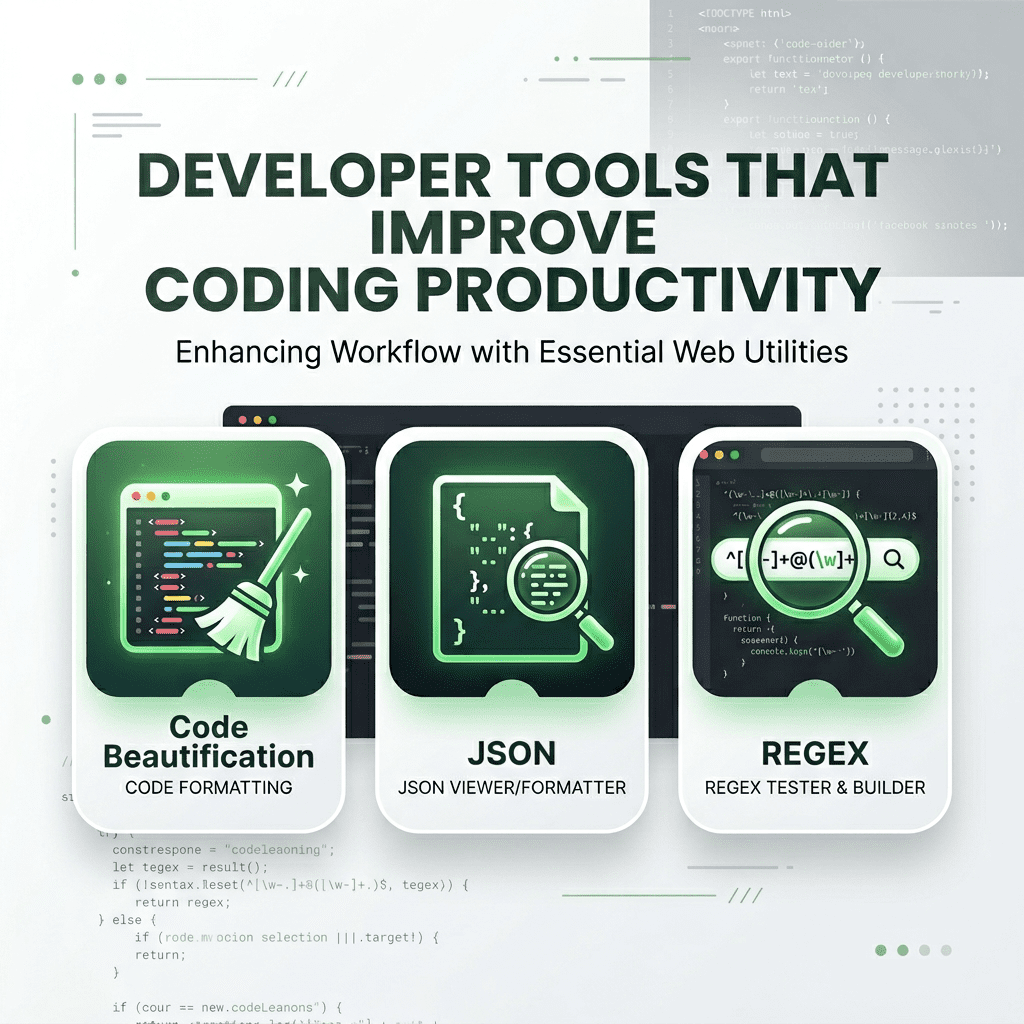
    Stop wrestling with messy logs. Use our Code Beautifier to prettify JSON, HTML, and CSS instantly. For web integration, our JWT Decoder, Timestamp Converter, and Regex Tester allow you to verify and test logic without writing boilerplate code.

    3. Visual and Integration Tools

    Bridge the gap between design and code with our Color Picker and Color Converter. When you need to connect physical and digital touchpoints, our QR Code Generator and Scanner provide high-resolution results in seconds.

    FAQ

    • Are my keys and tokens safe? Yes, all decoding and generation happens locally in your browser; we never see your data.
    • What UUID version is generated? We create standard Version 4 (random) UUIDs following RFC 4122.
    • Does the Code Beautifier support JSON? Yes, it is optimized for JSON, HTML, CSS, and JavaScript.
    • Can I test complex Regex patterns? Yes, our tester provides real-time highlighting and capture group results.
    • Is the Hash Generator accurate? We use industry-standard cryptographic libraries for all hashing functions.

    Related Tools

    Meta Title: Developer Tools That Improve Coding Productivity | SmartToolCentral

    Meta Description: Speed up your engineering workflow with professional online developer tools. Prettify code, decode JWTs, and generate UUIDs with SmartToolCentral.

    Author: Victor Binyi Tumenta | UtilityForge
  • Best Free Online Calculators for Everyday Use

    Best Free Online Calculators for Everyday Use

    Home / Blog / Calculators / Best Free Online Calculators for Everyday Use

    In our modern, data-driven world, the ability to perform quick and accurate calculations is essential for everything from personal budgeting to health management. While most devices come with a basic calculator app, they often lack the specialized functions needed for complex tasks like mortgage planning or body fat estimation. This is where SmartToolCentral steps in, providing a comprehensive suite of free online calculators designed for speed, accuracy, and accessibility.

    Why Use Online Calculators?

    Online calculators offer several advantages over traditional physical or desktop applications. They are always accessible from any device with an internet connection, require no installation, and are often updated with the latest formulas and data. Whether you are at your desk or on the go, having a dedicated calculator for your specific need can save you time and prevent costly mathematical errors.

    Top Calculators for Your Daily Routine

    1. Financial Planning Tools

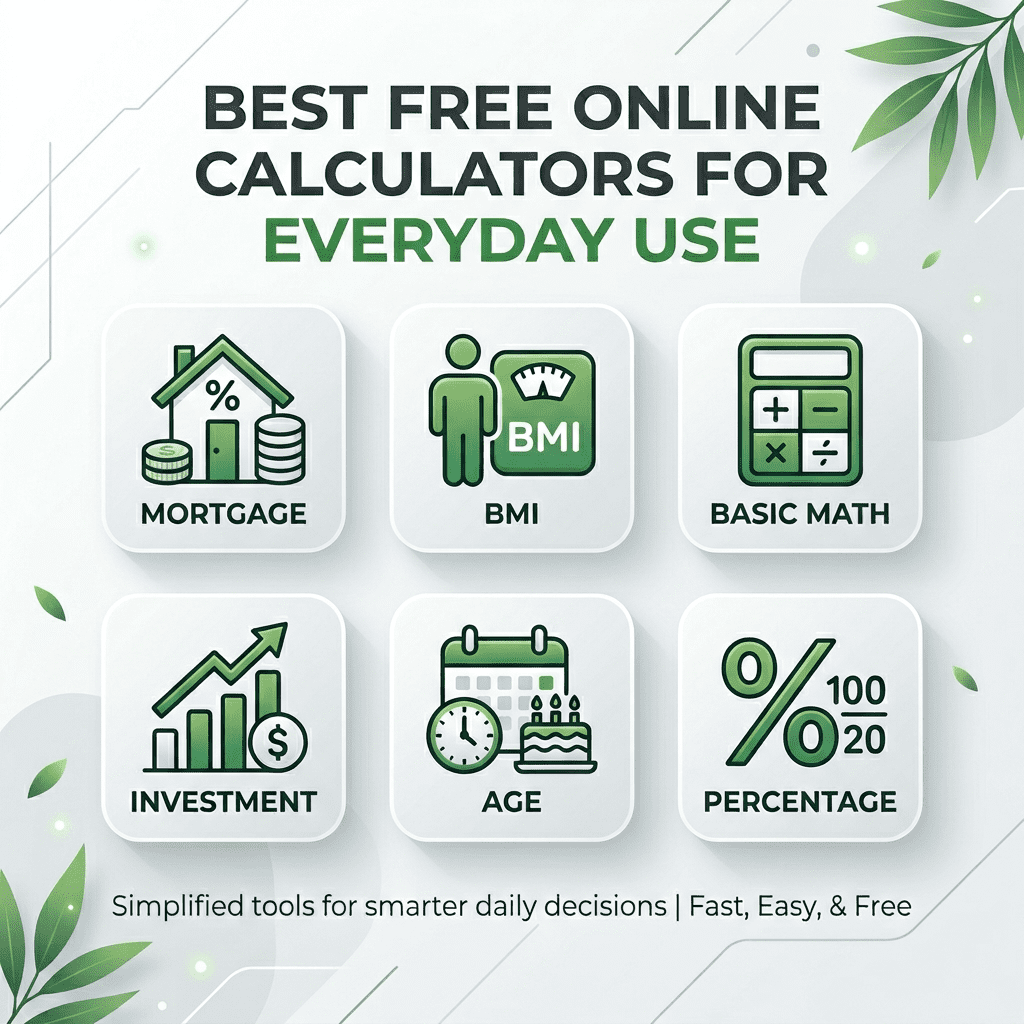
    Managing money effectively requires understanding the long-term impact of your decisions. Our Mortgage Calculator and Loan Calculator allow you to visualize monthly payments and total interest, while the Compound Interest Calculator demonstrates the power of long-term savings. For business owners, the VAT Calculator and Margin Calculator are indispensable for accurate pricing and accounting.

    2. Health and Fitness Metrics

    Tracking your physical health is easier when you have the right data. Use our BMI Calculator to check your weight category, the Calorie Calculator to determine your daily energy needs, and the Body Fat Calculator to monitor your body composition progress over time.

    3. General Purpose Utilities

    From the Percentage Calculator for shopping discounts to the Age Calculator for official forms, our general tools handle the small tasks that pop up throughout the day. We also offer a Scientific Calculator for students and professionals dealing with advanced mathematics.

    FAQ

    • Are these calculators free? Yes, every tool on SmartToolCentral is 100% free to use.
    • How accurate are the results? We use industry-standard formulas to ensure the highest level of mathematical precision.
    • Do I need to sign up? No, all our tools are available without registration.
    • Can I use them on my phone? Absolutely, our site is fully optimized for mobile devices.
    • Is my data stored? No, all calculations are processed in your browser and are not saved on our servers.

    Related Tools

    Meta Title: Best Free Online Calculators for Everyday Use | SmartToolCentral

    Meta Description: Discover the top free online calculators for finance, health, and general use. Save time and ensure accuracy with SmartToolCentral’s professional utility suite.

    Author: Victor Binyi Tumenta | UtilityForge

  • How Online Calculators Save Time

    Time is the most valuable resource in any professional’s arsenal. In the digital age, we are often bogged down by repetitive manual calculations that drain our mental energy and slow down our workflow. This is where online calculators come into play. Far from being simple arithmetic tools, modern online calculators are specialized engines designed to solve complex problems in seconds.

    The Evolution of Online Calculators

    Gone are the days when you needed a physical scientific calculator on your desk. Today, specialized web tools can handle everything from mortgage interest rates to high-level engineering equations. By using these tools, professionals can eliminate human error and focus on high-level decision-making rather than crunching numbers.

    How Calculators Boost Productivity

    The primary benefit of using online calculators is the immediate feedback loop. Whether you are calculating the ROI of a marketing campaign or determining the load-bearing capacity of a structure, having an instant, accurate result allows for faster iterations. This speed is essential in competitive industries where time-to-market is a critical factor.

    Types of Essential Calculators for Work

    • Financial Calculators: Tools for tax estimation, compound interest, and budget planning.
    • Unit Converters: Essential for international teams dealing with different measurement systems.
    • Health and Fitness: BMI and calorie calculators for maintaining a healthy lifestyle while working.

    Frequently Asked Questions

    Are online calculators accurate?
    Yes, most online calculators use standard mathematical formulas. However, for critical financial or medical decisions, it is always wise to cross-verify with a professional.

  • Best Productivity Tools for Remote Workers

    Remote work is no longer just a trend; it is a permanent fixture of the modern economy. However, the transition from a traditional office to a home environment comes with unique challenges. Maintaining focus, managing time, and collaborating effectively requires a specific set of digital tools. In this guide, we explore the top productivity tools that every remote worker should have in their toolkit.

    The Remote Work Challenge

    Without the physical boundaries of an office, many remote workers find it difficult to separate work from personal life. Distractions are everywhere, and the lack of face-to-face interaction can lead to communication silos. Productivity tools help bridge this gap by providing structure and facilitating seamless collaboration.

    Top Time Management Tools

    Effective time management is the foundation of remote productivity. Tools like **Toggl Track** allow you to see exactly where your hours are going, while **RescueTime** runs in the background to analyze your digital habits and block distracting websites.

    Collaboration and Project Tracking

    • Asana: Perfect for tracking complex projects with multiple stakeholders.
    • Slack: The gold standard for real-time team communication.
    • Miro: A digital whiteboard that brings the brainstorming experience to the remote world.

    Frequently Asked Questions

    What is the best tool for tracking remote hours?
    Toggl Track and Harvest are highly recommended for their ease of use and robust reporting features.

  • How to Organize Digital Files

    In the digital age, data is everywhere. From personal photos to critical business documents, our digital lives are composed of thousands of files. Without a proper organization system, finding a specific document can feel like searching for a needle in a haystack. This guide provides a comprehensive strategy for organizing your digital files to ensure maximum efficiency and peace of mind.

    The Cost of Digital Clutter

    Digital clutter is more than just an eyesore; it’s a productivity killer. Studies show that the average professional spends hours every week searching for misplaced files. Furthermore, a disorganized file system increases the risk of data loss and security breaches. By implementing a structured hierarchy, you can reclaim your time and protect your digital assets.

    Folder Hierarchy Best Practices

    The foundation of a good organization system is a logical folder structure. Avoid creating too many top-level folders. Instead, use a broad-to-narrow approach:

    • Level 1: Broad categories (e.g., Work, Personal, Finance).
    • Level 2: Specific projects or years (e.g., Project Alpha, 2024 Taxes).
    • Level 3: File types or sub-tasks (e.g., Invoices, Drafts, Final Assets).

    Consistent Naming Conventions

    A folder is only as good as the files inside it. Use a consistent naming convention to make searching effortless. A popular format is: YYYY-MM-DD_ProjectName_FileName_v01. This ensures that files are automatically sorted chronologically and are easily identifiable at a glance.

    Frequently Asked Questions

    Should I store everything in the cloud?
    Cloud storage is excellent for accessibility and backup, but sensitive files should also have an offline backup on an encrypted external drive.

  • Image Optimization Tips for Websites

    Images are the heart of web content, but they can also be the biggest drag on website performance. Large, unoptimized images slow down page load times, which negatively impacts user experience and SEO rankings. Learning how to optimize images is a critical skill for any website owner or digital marketer. This guide covers the essential techniques for balancing image quality with file size.

    The Impact of Image Size on SEO

    Search engines like Google prioritize fast-loading websites. If your images are not optimized, your site will likely rank lower in search results. Optimization involves reducing the file size without noticeably compromising the visual quality, ensuring that your pages load instantly on both desktop and mobile devices.

    Choosing the Right File Format

    • WebP: The modern standard for web images, offering superior compression compared to JPEG and PNG.
    • JPEG: Best for photographs where small file size is more important than perfect clarity.
    • PNG: Ideal for images that require transparency or contain text.

    Top Image Optimization Tools

    Tools like **TinyPNG** and **Squoosh** allow you to compress images significantly with a simple drag-and-drop interface. For WordPress users, plugins like **LiteSpeed Cache** or **Smush** can automate this process across your entire media library.

    Frequently Asked Questions

    What is the ideal file size for web images?
    Generally, you should aim for images under 100KB for standard web use, and under 300KB for large hero banners.

  • Best Free PDF Tools for Professionals

    The Portable Document Format (PDF) has become the universal standard for business documentation. Whether you are signing a contract, sharing a report, or archiving records, PDF tools are indispensable. However, premium software can be prohibitively expensive. In this guide, we highlight the best free PDF tools that offer professional-grade features for editing, converting, and securing your documents.

    Why Professional PDF Tools Matter

    In a professional setting, the ability to manipulate PDF files is a core requirement. Standard viewers often lack the ability to merge files, extract pages, or compress large documents for email. Using the right tools ensures that your documents remain professional, accessible, and secure across all platforms.

    Top Free PDF Editors and Converters

    • ILovePDF: A comprehensive web-based suite for merging, splitting, and compressing PDFs.
    • Smallpdf: Known for its user-friendly interface and high-quality conversion tools.
    • PDF24 Tools: A robust, 100% free collection of tools that works both online and offline.

    Securing Your PDFs

    Security is paramount when handling sensitive business data. Many free tools allow you to add password protection and encryption to your files. Always ensure you are using a tool with a clear privacy policy that deletes your files from their servers after processing.

    Frequently Asked Questions

    Is it safe to upload sensitive PDFs to online tools?
    Reputable tools like Smallpdf and ILovePDF use HTTPS encryption and automatically delete files after a few hours. For extremely sensitive data, consider offline tools like PDF24.

  • Text Tools for Writers and Students

    Writing is a fundamental part of academic and professional life. Whether you are drafting an essay, a blog post, or a business report, the right text tools can significantly enhance your clarity and efficiency. From grammar checkers to distraction-free editors, these tools help writers and students focus on what matters most: their message.

    The Importance of Writing Tools

    Even the most skilled writers can benefit from a second set of “digital eyes.” Text tools help identify grammatical errors, suggest better vocabulary, and ensure that your tone is appropriate for your audience. For students, these tools are essential for maintaining academic integrity and improving the quality of their research papers.

    Essential Tools for Writers and Students

    • Grammarly: The industry standard for real-time grammar and spell checking.
    • Hemingway Editor: Focuses on readability by highlighting complex sentences and passive voice.
    • Scrivener: A powerful tool for long-form writing and research organization.

    Improving Readability and Flow

    Readability is key to keeping your audience engaged. Tools like the Hemingway Editor provide a readability score, helping you simplify your language so that it is accessible to a wider range of readers. This is particularly important for web content, where readers tend to scan rather than read every word.

    Frequently Asked Questions

    Can I rely solely on grammar checkers?
    No, while tools are helpful, they can sometimes miss context. Always perform a final manual proofread of your work.

  • AI Tools for Daily Productivity

    Artificial Intelligence (AI) has transitioned from a futuristic concept to a daily productivity partner. By automating repetitive tasks, generating creative content, and providing instant data analysis, AI tools are saving professionals hours of work every week. This guide explores the most effective AI tools currently available for boosting your daily productivity and streamlining your workflow.

    AI for Content Creation and Writing

    Writing is one of the most time-consuming daily tasks. AI assistants like **ChatGPT** and **Claude** can help draft emails, generate blog outlines, and even summarize long documents in seconds. These tools act as a collaborative partner, helping you overcome writer’s block and refine your messaging.

    AI in Task Management and Scheduling

    • Motion: Uses AI to automatically build your schedule and prioritize tasks based on deadlines.
    • Otter.ai: Transcribes meetings in real-time, allowing you to focus on the conversation rather than taking notes.
    • Grammarly GO: An AI-powered writing assistant that helps you adjust tone and clarity on the fly.

    The Ethics of AI in the Workplace

    While AI is powerful, it is important to use it responsibly. Always verify the information generated by AI, as “hallucinations” can occur. Furthermore, ensure that you are not uploading sensitive or proprietary company data into public AI models without proper security measures.

    Frequently Asked Questions

    Can AI replace my daily job?
    AI is designed to augment human intelligence, not replace it. It handles the “busy work,” allowing you to focus on strategy and creativity.