SmartToolCentral

Category: Text Tools

  • The Ultimate Guide to Text Tools: Cleaning, Analyzing, and Formatting

    The Ultimate Guide to Text Tools: Cleaning, Analyzing, and Formatting

    Home / Blog / Text Tools / The Ultimate Guide to Text Tools

    Table of Contents

    • The Importance of Technical Writing Accuracy
    • Content Optimization: Counters and Analyzers
    • The Art of Text Cleanup
    • Encoding and Decoding for Data Integrity
    • The Future of Text: AI Humanizing and Translation
    • FAQ

    The Importance of Technical Writing Accuracy

    In almost every professional field, written communication is the primary medium of exchange. However, messy formatting can undermine even the most intelligent ideas. This cornerstone guide explores the essential suite of Text Tools that allow professionals, students, and developers to polish their content instantly. We cover everything from basic case conversion to advanced linguistic analysis and structural optimization.

    Content Optimization: Counters and Analyzers

    Writing for the web requires precision. Our Word Counter and Character Counter are the first line of defense for meta tags and social posts. We also deep-dive into how Word Frequency and Text Analysis can improve your SEO keyword density and overall readability, ensuring your message reaches your target audience effectively.

    Encoding and Decoding for Data Integrity

    For technical users, managing data formats is a daily requirement. We explain the role of Base64 and URL encoding in web security and how to ensure your strings remain intact across different systems. Our specialized encoders and decoders provide high-speed processing with absolute technical accuracy.

    FAQ

    • Does the Case Converter fix whole paragraphs? Yes, our ‘Sentence case’ and ‘Title Case’ options process large blocks of text instantly.
    • How is ‘Readability’ calculated? It uses word length and sentence structure to estimate the complexity level.
    • Can I remove line breaks from copied content? Yes, our Remove Line Breaks tool is perfect for cleaning up copied data.
    • Is my text safe during AI humanizing? Yes, everything is processed in your local session and not stored.
    • What is ‘Lorem Ipsum’? Standard placeholder text used by designers to visualize layouts.

    Related Tools

    Meta Title: The Ultimate Guide to Text Tools | SmartToolCentral

    Meta Description: Streamline your writing and data management with our definitive pillar guide to text utilities. Clean, analyze, and optimize your content today.

    Author: Victor Binyi Tumenta | UtilityForge
    Last Updated: June 24, 2026
  • Text Tools for Writers, Students and Professionals

    Text Tools for Writers, Students and Professionals

    Home / Blog / Text Tools / Text Tools for Writers, Students and Professionals

    In almost every professional and academic field, text is the primary medium of exchange. However, messy formatting, redundant lists, and strict character limits can slow down even the most efficient writers. Having a dedicated set of text utilities can transform hours of manual editing into minutes of automated work. SmartToolCentral offers a comprehensive range of text tools designed to help you clean, analyze, and optimize your written content.

    Mastering Your Content Flow

    Effective writing isn’t just about the words—it’s about the structure and presentation. Whether you’re a student preparing a thesis or a digital marketer crafting the perfect meta tag, our tools provide the technical support you need to ensure your text is accurate, well-formatted, and compliant with specific guidelines.

    Top Text Utilities for Success

    1. Organization and Cleanup

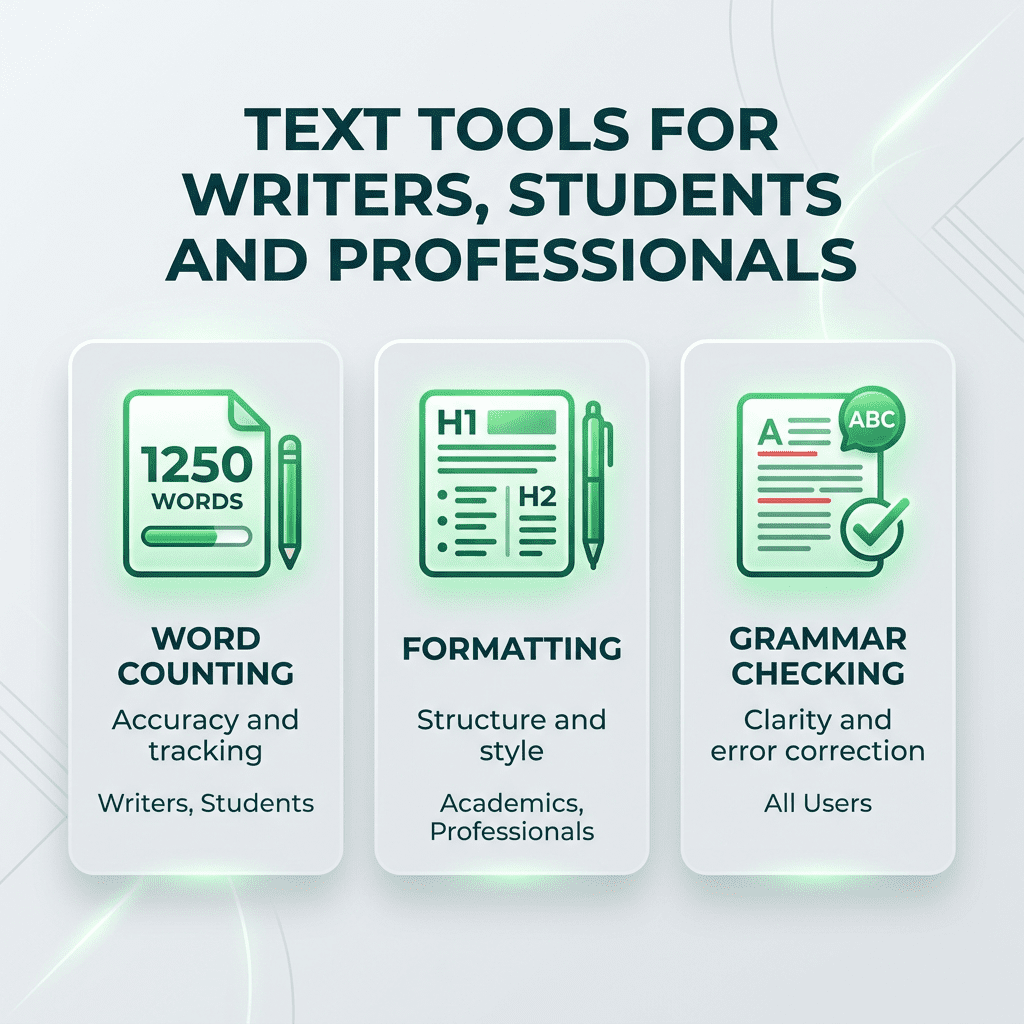
    Lists are a nightmare to manage manually. Our Remove Duplicates, Sort Lines, and Remove Line Breaks tools allow you to reorganize messy data in an instant. For social media managers, our Remove Extra Spaces and Remove Punctuation utilities ensure your copy is clean and professional.

    2. Analysis and Optimization

    Hit your targets every time with our Word Counter and Character Counter. For deeper insights, use our Text Analyzer and Word Frequency Counter to identify overused words and optimize your keyword density for SEO.

    3. Specialized Formatting

    Accidentally left Caps Lock on? Use our Case Converter to swap between UPPERCASE, lowercase, and Title Case with one click. We also offer advanced tools like the Markdown Previewer and Lorem Ipsum Generator for developers and designers.

    FAQ

    • Does the word counter update in real-time? Yes, the totals update instantly as you type or paste your text.
    • Can I remove punctuation from a specific list? Yes, our tool strips standard punctuation, leaving only raw letters and numbers.
    • Is there a limit on text length? Our tools are optimized for everything from short tweets to long-form articles.
    • Does the Case Converter fix sentence structure? Our ‘Sentence case’ option automatically capitalizes the first letter of every sentence.
    • Is my text safe? Yes, all processing is performed locally in your browser session.

    Related Tools

    Meta Title: Text Tools for Writers, Students and Professionals | SmartToolCentral

    Meta Description: Streamline your writing workflow with professional online text tools. Clean, analyze, and format your content instantly with SmartToolCentral.

    Author: Victor Binyi Tumenta | UtilityForge