
SmartToolCentral

Category: File Utilities

  • The Ultimate Guide to File Utilities: Data, Archives, and Integrity

    The Ultimate Guide to File Utilities: Data, Archives, and Integrity

    Home / Blog / File Utilities / The Ultimate Guide to File Utilities

    Table of Contents

    • Why File Management is the Secret to Digital Organization
    • Data Transformation: CSV, JSON, and XML
    • Archive Management: Browsing ZIPs Locally
    • Cryptographic Integrity: Verifying Files with Hashes
    • Technical Binary Conversions: Bits and Bytes
    • FAQ

    Why File Management is the Secret to Digital Organization

    In a professional environment, your data is only as good as its organization. Messy files, unknown formats, and corrupted downloads can stall advanced projects. This cornerstone guide explores the essential File Utilities that allow you to manipulate, verify, and organize your digital assets with absolute security and technical precision.

    Data Transformation: CSV, JSON, and XML

    Data analysts and engineers spend significant time moving information between systems. We deep-dive into the technical relationship between CSV, JSON, and XML, and how our specialized converters allow for instant, lossless transformation of your datasets for modern web integration.

    Cryptographic Integrity: Verifying Files with Hashes

    How do you know your download is safe? We explain the concept of the ‘digital fingerprint’ using File Hashing (MD5, SHA-256) and why checksums are the industry standard for ensuring your files haven’t been tampered with or corrupted during transfer.

    FAQ

    • Are my files uploaded for processing? No, all file utilities on SmartToolCentral use local browser APIs to ensure 100% privacy and speed.
    • Can I open a password-protected ZIP? Yes, you will be prompted for the password within your browser for local extraction.
    • What is the difference between a MB and a MiB? We explore the binary (1024) vs decimal (1000) systems in our File Size Converter.
    • Does the XML Validator fix errors? It identifies and locates syntax errors, ensuring your data feeds remain functional.
    • Can I encode images to Base64? Yes, the Base64 File Encoder is perfect for embedding assets directly in CSS/HTML files.

    Related Tools

    Meta Title: The Ultimate Guide to File Utilities | SmartToolCentral

    Meta Description: Streamline your digital organization with our definitive pillar guide to file management. Extract archives, convert data formats, and verify integrity safely.

    Author: Victor Binyi Tumenta | UtilityForge
    Last Updated: June 24, 2026
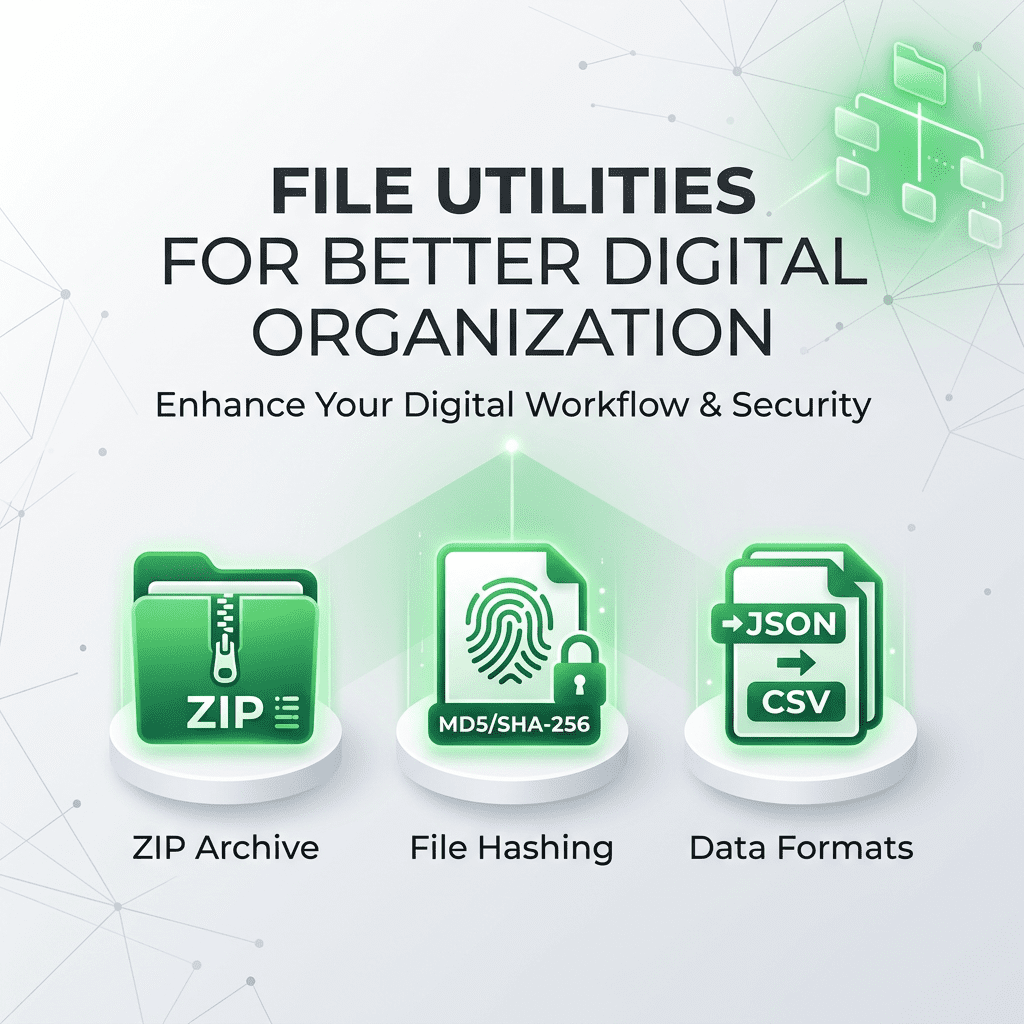
  • File Utilities for Better Digital Organization

    File Utilities for Better Digital Organization

    Home / Blog / File Utilities / File Utilities for Better Digital Organization

    Digital clutter is a major obstacle to productivity. Managing varied file formats, verifying download integrity, and handling large archives can be time-consuming without the right infrastructure. Professional digital organization requires tools that allow you to manipulate files quickly and securely. SmartToolCentral provides a suite of file utilities that bridge the gap between different technical environments, ensuring your data is always organized and accessible.

    Streamlining Your Digital Life

    Whether you’re a data analyst moving records between systems or a casual user trying to open a compressed archive, having browser-based tools means you can stay organized without installing heavy software. Our file utilities focus on the ‘hidden’ tasks that power efficient workflows—from file hashing to data format conversion.

    Our suite of tools is designed to provide 100% privacy by processing all files locally on your device.

    Top File Utilities for Professionals

    1. Archive and Data Management

    Open archives on the go with our ZIP Extractor or manage data transfers with our CSV To JSON and JSON To CSV converters. For structured data, our XML Formatter and XML Validator ensure your code is clean and technically accurate.

    2. Security and Verification

    Ensure your downloads are safe with the File Hash Checker, allowing you to generate MD5 or SHA-256 checksums instantly. Our Base64 File Encoder and Decoder allow you to embed assets directly in code or extract hidden binary data from text-based sources.

    3. Precision Conversion

    Never guess a file limit again with our File Size Converter, providing instant translations between Bytes, MB, and GB using the technical binary standard (1024).

    FAQ

    • Are my files uploaded to your server? No, all file processing happens locally in your browser using modern web APIs.
    • Can the ZIP extractor handle passwords? Yes, you will be prompted for a password if the archive is encrypted.
    • Is the file hash checker accurate? Yes, we use standard cryptographic algorithms to ensure a perfect digital fingerprint.
    • Does the CSV converter handle large files? It is optimized for high-speed processing of datasets with thousands of rows.
    • Is it free to use? Yes, every tool in our File Utilities suite is 100% free.

    Related Tools

    Meta Title: File Utilities for Better Digital Organization | SmartToolCentral

    Meta Description: Stay organized with professional online file utilities. Extract ZIPs, convert CSV/JSON, and verify file hashes with SmartToolCentral.

    Author: Victor Binyi Tumenta | UtilityForge